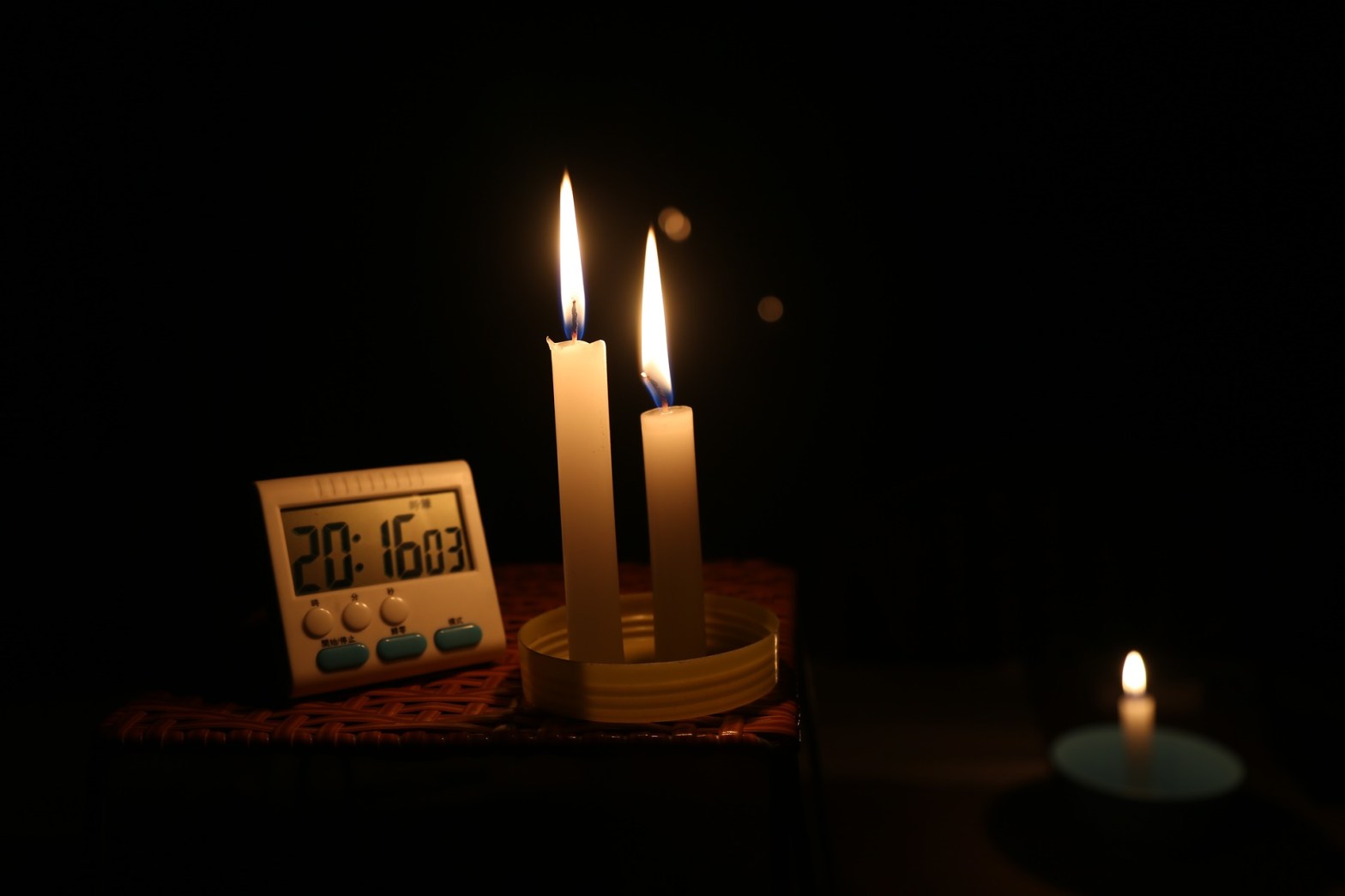
Did your lights just flicker? Is a big storm in the forecast? Quick, grab the candles and a radio! Wait…you don’t have any of those? Well, in addition to the recommendations from your local authorities, these are tips I personally use to help get me through a power outage and they might just help you as well!
- Charge Other Devices
Most newer phones with USB-C and/or Reverse Wireless Charging features actually allow you to share your power with a second device that may have not been as prepared :-l .
Use a standard USB-C cable to plug both ends into compatible phones and use the options that appear in notifications to select how you’d like the devices to behave. In some cases, the charging of the lesser charged phone may be the default action.
Some devices come with the ability to charge another device wirelessly just by touching the two devices together. This is referred to as reverse wireless charging. Although not as widely available as the former cable-driven method at the moment, it can be a quick way to share some juice when a cable is not nearby. To do this, only the device providing the power needs the capability…the other simply needs to be Qi wireless charging capable, which most phones are nowadays. Just place the providing phone face down and the receiving phone face up on top of the other device the same as you would on any charging pad and get your “Thank You” ready. Note, some models may require activation of the reverse wireless charging feature before the contact. On Samsung devices for example, a quick tap of the Wireless Powershare icon in the notification shade will get you started. See your devices support resources for more information.
- Portable Power Banks
Not only are these devices life-savers while traveling, they can be super clutch during a power outage. Varying in form and functionality, they provide power on the go…or on the stay when the power is out. A quick search at your favorite storefront should provide plenty of options ranging from models that can charge your phone, laptop or even jumpstart your car! Just make sure it’s compatible with your device’s charging port and provides the amount of juice you’ll need. Generally, a power pack with at least 5000mAh should be good for 1 full charge of most smartphones.
- Radio and News Apps
It’s always good to be informed. Some local news sources have their own applications that will provide vital information for your area during an emergency. Same goes for radio. You can download apps like iHeartRadio to listen to local stations and to stay in the know when the TV is taking an involuntary nap.
- Power Save Mode
Most new phones include a mode that attempts to reduce the use of the battery while maintaining a high level of functionality. On Pixel devices for example it’s called Battery Saver. On iPhones, Low Power Mode.
Some models also include the option to activate the mode directly from the notification panel. Here it’ll usually look like a battery icon and may have a description to indicate its purpose. Activating this mode can come in handy not just for power outages, but any time you’re running low and don’t anticipate getting a charge in the near future.
- Video Downloads
If you have time to prepare for what may be a significant span of time without data or your TV, consider downloading your family’s favorite shows and videos ahead of time so you can still watch them. It should be noted that watching a video on your phone is one of the most battery hungry activities you can do but if you choose to do so, eliminating the need to use data simultaneously would help preserve your precious battery life. While prepping your downloads pre-storm, you may want to safely charge your device to avoid further drain.
Tapping the download arrow next to seasons or individual episodes will accomplish this within the Netflix app for example. Many streaming services now support this functionality including some of your favorite music apps.

You can also enable “Smart Downloads” from your Netflix settings under the “Downloads” section to allow Netflix to predict and automatically download your shows in the background.
- Flashlight
Don’t forget your phone, and even some smart watches, have a built-in flashlight! Usually found in the notification shade as a flashlight icon, this mode uses the same LED light that illuminates your photos and videos to provide a significant source of light. Activating this mode on your smartwatch turns the watch’s face white and brightness up. You can also try the voice command “Turn on flashlight” to get the job done on many devices.

- Mobile Hotspot

When the Wi-Fi goes out, the fun doesn’t have to stop. Most newer devices can turn themselves into a WiFi hotspot, providing internet access for one or more devices like tablets, laptops etc.. You can even supply a Smart TV with connectivity but keep in mind this can consume large amounts of data…we’re talking in the Gigabytes! To see/edit the network name and password, head to the settings for your device. See image for an example on Android devices. Check with your wireless carrier for pricing/rates and availability.
- Brightness – Expecting a short lull in the power? A quick decrease in the screen brightness can add precious minutes to your battery life and when you’re in the dark, it just makes sense! One can adjust this setting in the notification shade or display settings. Voice commands like “Screen Brightness 50%” may also work.
- Have Some Fun
This goes without saying but your smartphone provides access to an endless amount of games, e-books and other forms of digital entertainment. I know you always keep your cool, but just in case others around you aren’t having such a good time in the dark, lightening the mood a bit with some fun activities can help pass the time until the lights turn back on and everyone sighs with relief.
- Enjoy The Break
Battery charged? Cell signal good to go? Great! Now puuuuuuuuuut the phone down and enjoy the disconnection. This tip is about NOT using your phone. Call it battery preservation.
Have a conversation with your loved ones without looking at your phone or TV every 2 seconds. I don’t know…meditate. Your phone will be there for you later. This may just be what you need to truly enjoy a rare moment of tranquility. Just and idea 😉
Do you have any smartphone tips to help you get by without power? Comment below!
 Tech Dabble